Props from a photo or a sentence
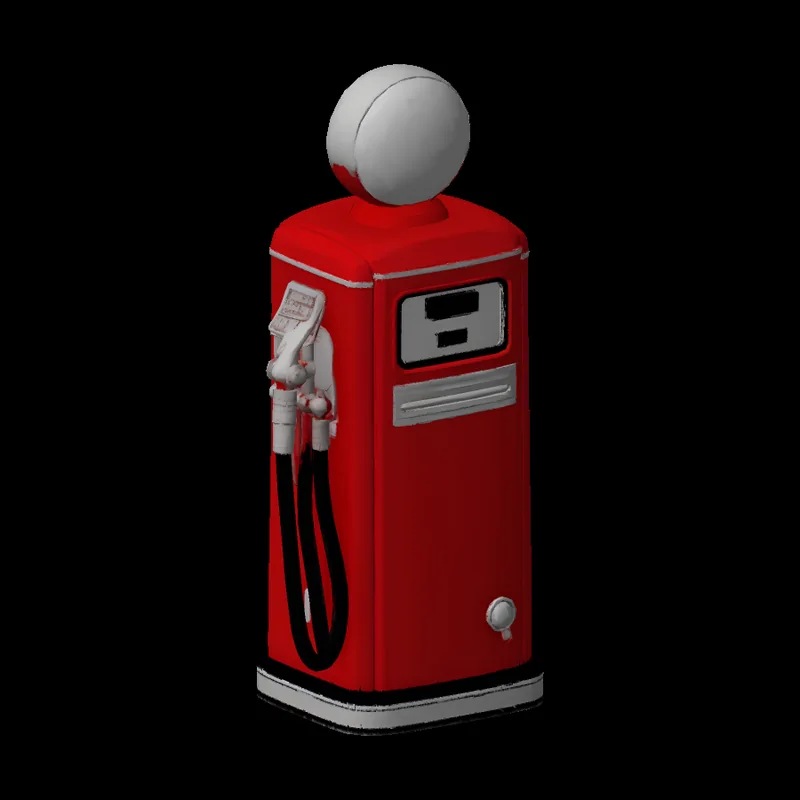
Describe it or drop in a photo. You get the model, its collision, an inventory icon and a resource you can ensure, with an optional spawn command.
Six tools for the work that comes with building a FiveM server, in the same account as the livery wizard. They are in beta: open to everyone and still being finished. The three that use no AI are free on every account; the three that call an AI model come with Pro and Shop.
01
PRO AND SHOP
Describe it or drop in a photo. You get the model, its collision, an inventory icon and a resource you can ensure, with an optional spawn command.
Clean inventory icons from a description, with the inventory entries to paste.
Say how a vehicle should drive and get handling.meta values. Give it your existing handling.meta and it starts from that vehicle’s entry.
02
EVERY ACCOUNT
A downloaded mod or a dlc.rpf in, a FiveM resource out.
Backdoors, manifest mistakes and oversized assets, found before the resource goes on your server.
Less texture memory and smaller downloads, from single .ytd files or whole resources.
03
PRICE
On Pro and Shop, a run of an AI tool spends from the same allowance as your liveries, at a price shown before it starts. A run that fails costs nothing.
Every tool works today and is still being finished. If one gets something wrong, the Feedback button on every page reaches the person who builds it.
MORE
ON THE SITE
Police, fire and fleet liveries from your GTA 5 template and a few photos.
The same wizard for your Roblox car’s UV template, PNG or JPG.
Your patch, lettering and colors on the EUP pack you own, as game-ready .ytd files.
Which tools come with which plan.
Create an account and the converter, resource check and texture shrinker are yours on the free plan. Pro and Shop add props, item icons and handling.